
Timix.AI connects to your stack without writing code, two ways: no-code connectors for ready-made flows with 1,000+ apps, and outbound webhooks that push real-time events straight to your own systems.
No-code connectors: Zapier, Make, and Workato
Timix.AI works with Zapier, Make, and Workato. Each lets you build flows — for example, push billable hours or invoice data to QuickBooks or Xero, or send approval alerts to Slack — by wiring Timix.AI together with any of the 1,000+ apps those platforms support. You build and manage the flow inside the connector tool; it talks to the Timix.AI REST API behind the scenes, so generate an API key first (see Working with the API).
Outbound webhooks
When you want Timix.AI to push events to you instead of polling, open Organization → Webhooks and Register an endpoint — it must be an HTTPS URL that’s publicly reachable. Then pick the events you care about:
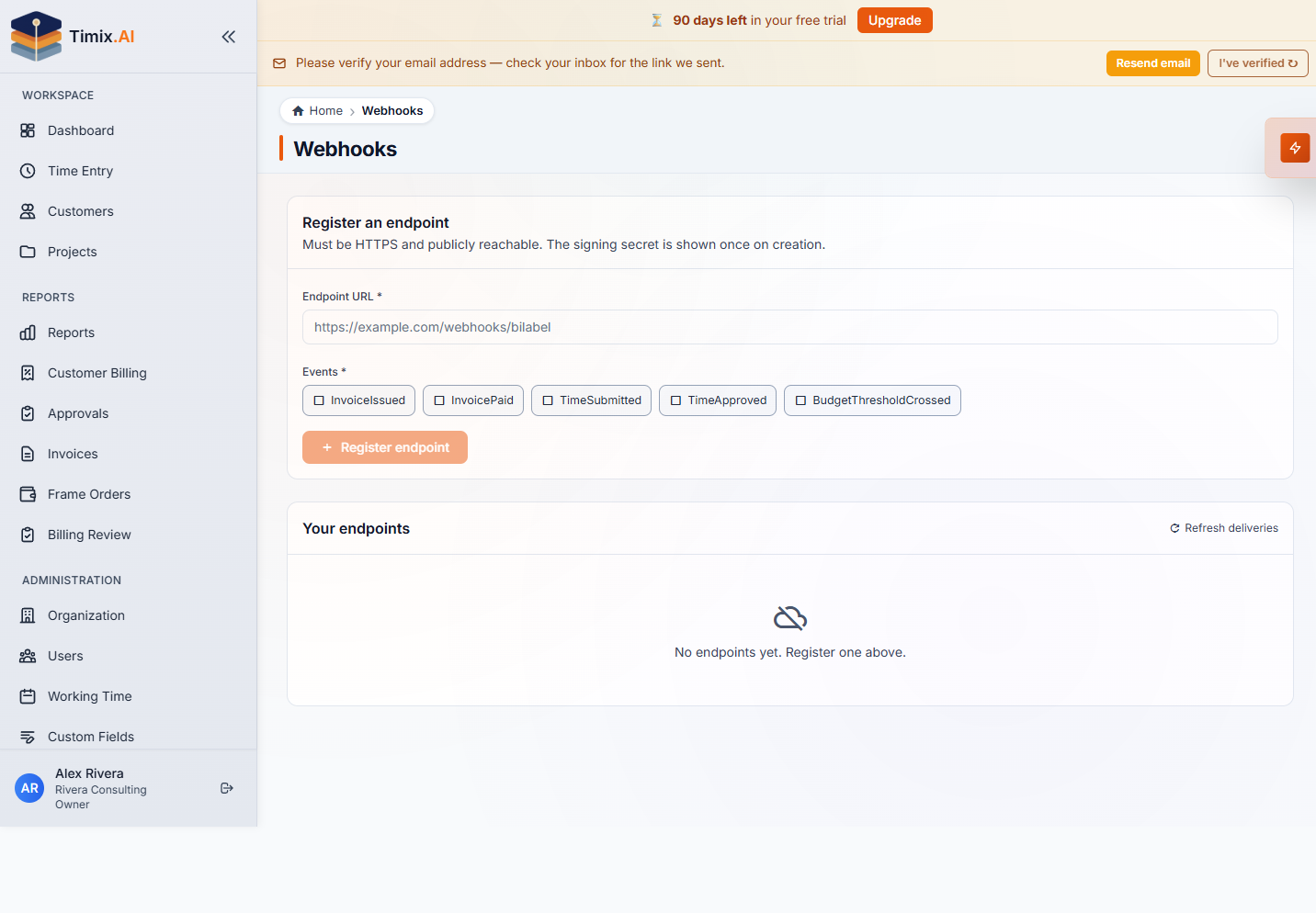
- InvoiceIssued, InvoicePaid — billing milestones
- TimeSubmitted, TimeApproved — the approval flow
- BudgetThresholdCrossed — a project crossing its warning/critical line
When one of those events fires, Timix.AI sends an HTTP POST to your URL the moment it happens. Each endpoint gets a signing secret (shown once on creation) — verify the signature on every incoming request so you know it genuinely came from Timix.AI, then act on the payload to keep your systems in sync.
Connectors vs. webhooks vs. the API
These three are complementary: reach for a connector when a no-code flow already does the job, a webhook when you want to be notified the instant something changes, and the REST API when you need full control or to pull data on demand. A common setup uses all three at once.